









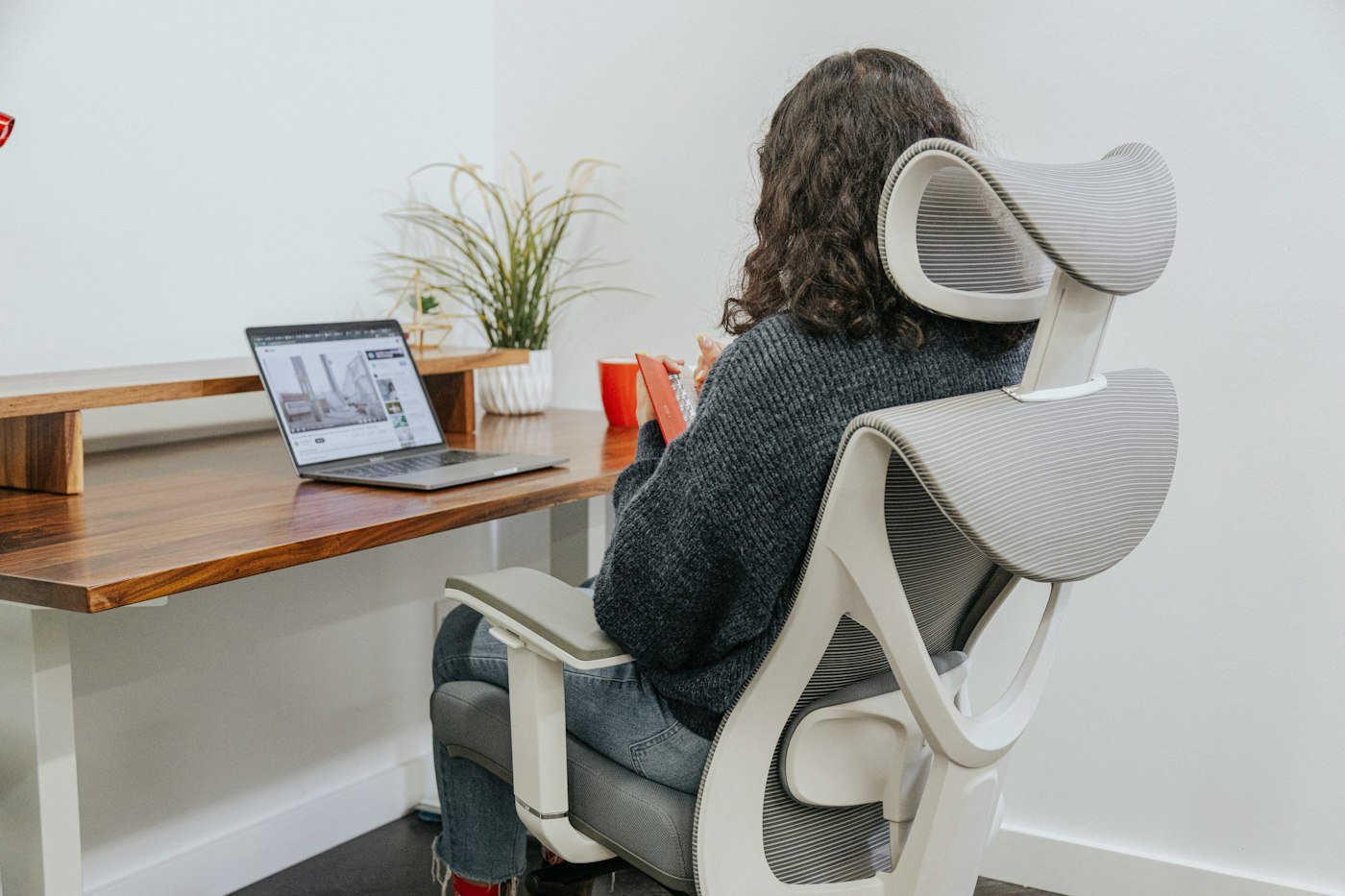
Spending hours at a desk can lead to neck, shoulder and back discomfort. A well-arranged workspace and good habits can reduce strain.
A good desk setup can reduce neck, back and wrist strain.
Setup
- Top of screen at or slightly below eye level
- Screen about an arm’s length away
- Feet flat on the floor
- Elbows at about 90 degrees
- Lower back supported
Habits
- Take regular breaks
- Stretch your neck and shoulders
- Follow the 20-20-20 rule for eyes: every 20 minutes, look 20 feet away for 20 seconds
Laptop Users
Use a laptop stand and separate keyboard and mouse so the screen is at eye level.
Quick Desk Stretches
- Neck tilts
- Shoulder rolls
- Seated spinal twist
- Wrist stretches
A Simple 7-Day Starter Plan
- Day 1: Adjust screen height.
- Day 2: Adjust chair.
- Day 3: Add lumbar support.
- Day 4: Practise 20-20-20 rule.
- Day 5: Hourly stretches.
- Day 6: Check posture in photos.
- Day 7: Review comfort.
Common Mistakes to Avoid
- Hunching over laptops.
- Crossing legs for long periods.
- Ignoring pain.
When to Talk to a Doctor
If pain persists or you have numbness or tingling, see a doctor or physiotherapist.
Frequently Asked Questions
Is a standing desk necessary?
Not necessary, but it can help.
What chair is best?
One with good back support and adjustable height.
This article is general information and not medical advice. Talk to a doctor or qualified health professional before making changes, especially if you have a health condition, are pregnant or take medication.